2 × 2.5 in
Fits a shoebox, a moving carton or the end of a plastic tote.
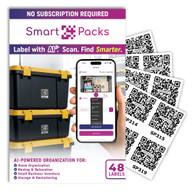
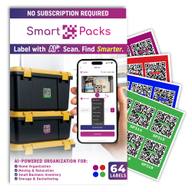
Laminated, water-resistant QR code stickers for boxes, bins and totes. Choose 48 white or 64 colored; every label works with the free app.
 |  | |
|---|---|---|
| Count | 48 | 64 |
| Colors |
|
|
| Size | 2 × 2.5 in | 2 × 2.5 in |
| Finish | Laminated | Laminated |
| Water resistance | Water-resistant | Water-resistant |
| Best for | A uniform look: garages, closets, archives | Color-coding: moves, shared homes, seasons |
| Buy | Get 48 white labels on Amazon (opens Amazon in a new tab) | Get 64 colored labels on Amazon (opens Amazon in a new tab) |
Fits a shoebox, a moving carton or the end of a plastic tote.
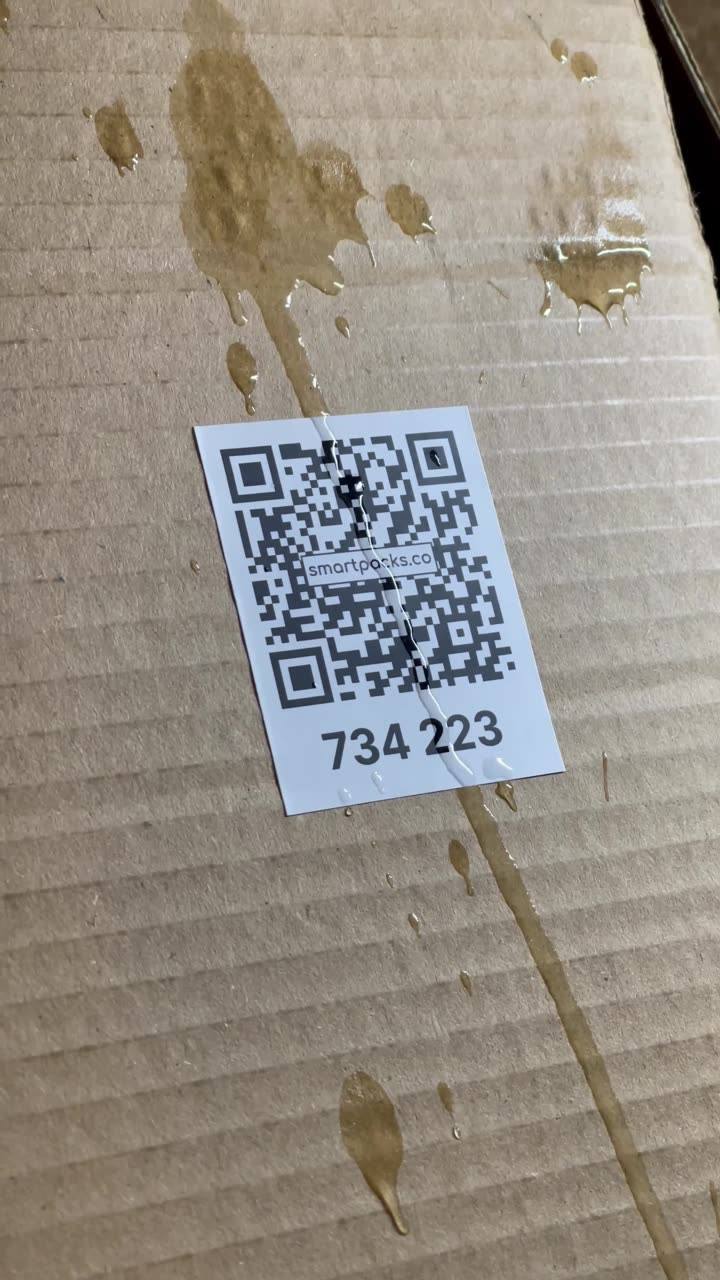
A laminated face protects the print when boxes rub, stack and travel.
Spills run off and the code still scans. Watch the test below.
Every label carries its own code, so no two boxes get mixed up in the app.
We poured liquid over a label on a cardboard box, then scanned it.
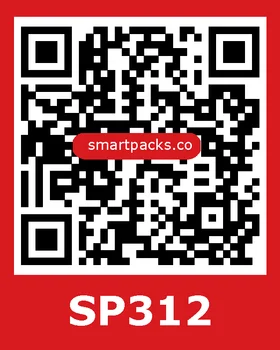
Four colors give you a way to sort before you even scan: red for the kitchen and blue for the kids’ rooms, or one color per person or per season. The app shows each box’s color in your list and can sort by it.
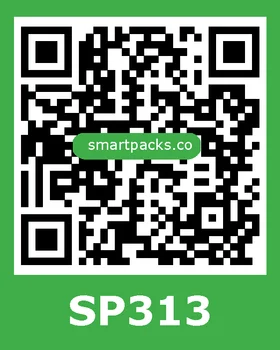
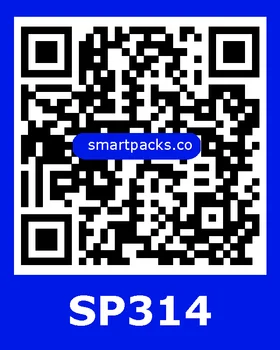
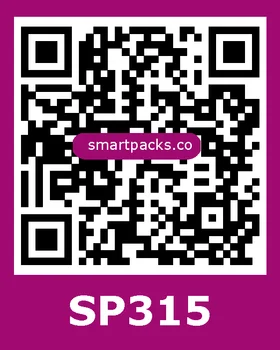
Use a side panel, not the flaps, so the label stays put while the box is opened and closed.
Wipe the spot clean and dry, then press firmly. The short end of a tote is easy to scan on a shelf.
Face every label the same way, so you can scan a whole row without moving a box.
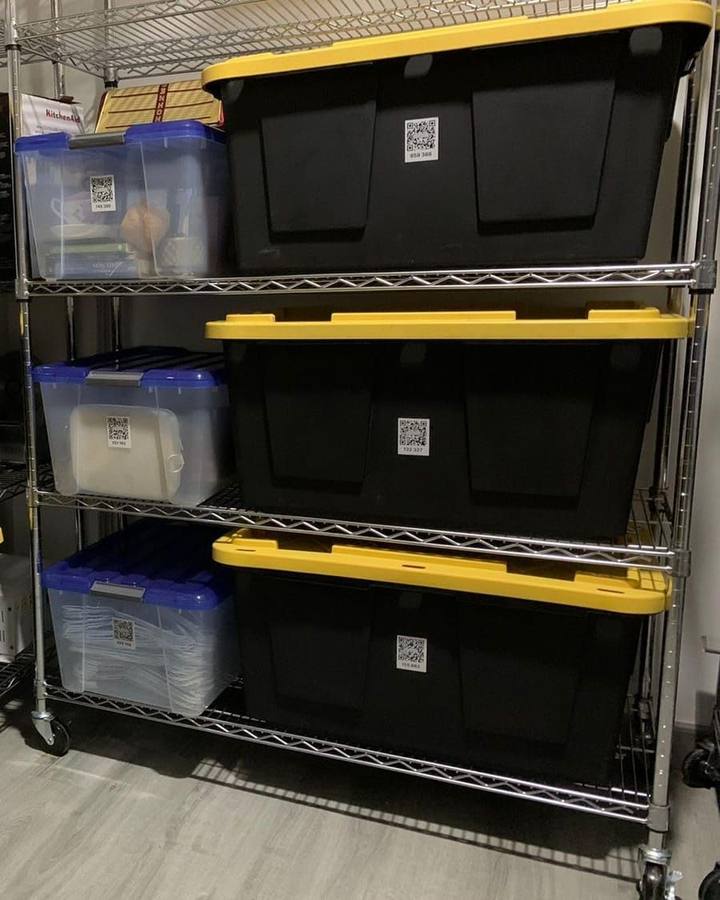
Every label opens a box in the SmartPacks app on iPhone, iPad and Android. The app is free, with no limit on boxes, items or locations.
On Amazon. There are two packs: 48 white labels, and 64 colored labels in red, green, blue and purple. Labels are a one-time purchase, and the app is free.
Pick white for one clean look across every box. Pick colored when you want to sort at a glance: by room for a move, by person in a shared home, or by season in the garage.
The app shows each box’s label color in your list and can sort your boxes by color.
Each label is 2 × 2.5 in with a laminated face. That fits a shoebox, a moving carton or the end of a plastic tote.
They are water-resistant. The laminated face lets spills run off, and our test video shows a label scanning right after liquid was poured over it. They are made for boxes and bins, not for sitting under water.
No. Every SmartPacks label carries a unique code that the app recognizes, so the app works with official SmartPacks labels only. That is what keeps two boxes from ever sharing a code.
Wipe the label clean, find better light or turn on the flashlight in the scanner, and hold the phone steady. Glare from clear tape over the code can get in the way too.
If the camera does not open at all, check that SmartPacks has camera permission in your phone’s settings.
48 white labels for one clean look, or 64 colored labels to sort by room, person or season. Labels are a one-time purchase. The app is free.