One label per box
Every label is unique, so every box gets its own.
Stick a label, scan it, fill in what’s inside, find it later. Here is each step in detail, and what else the app can do once your boxes are in.
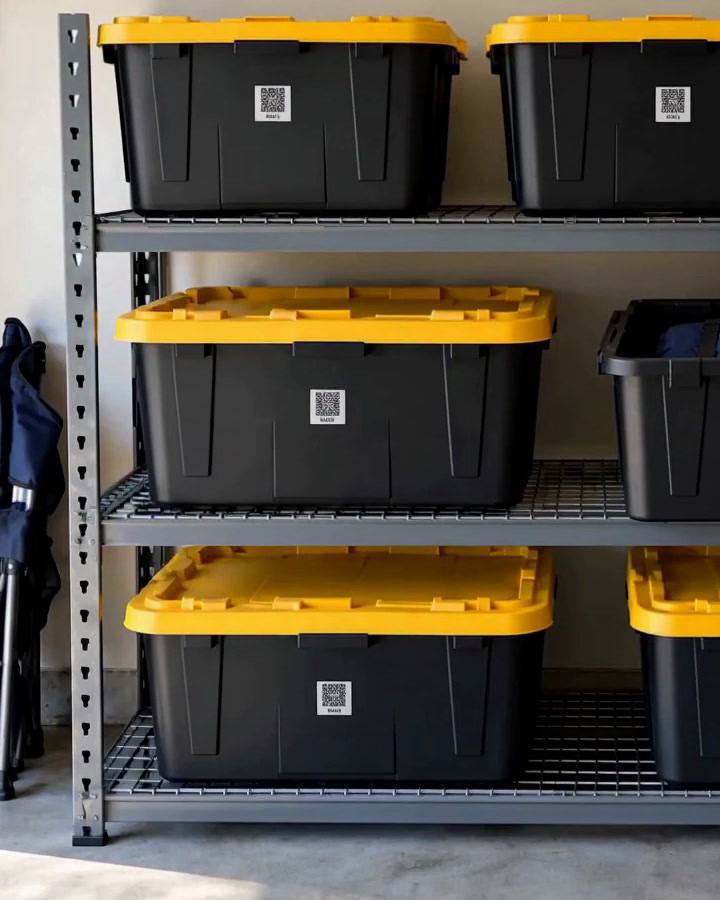
Use one label per box. Press it onto a flat, clean side that you’ll see when boxes are stacked, and keep packing tape off the QR code.
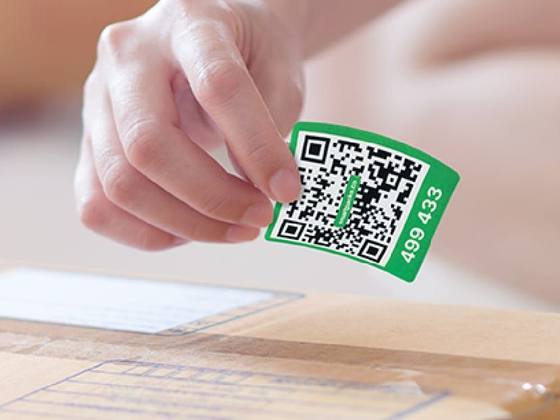
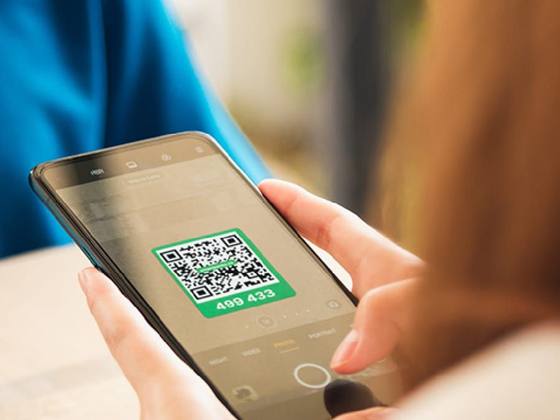
Open SmartPacks and tap the scan button. An unused label becomes a new box: choose a location, add a name if you like, and set it to private or public. Scanning a label you already use opens that box.
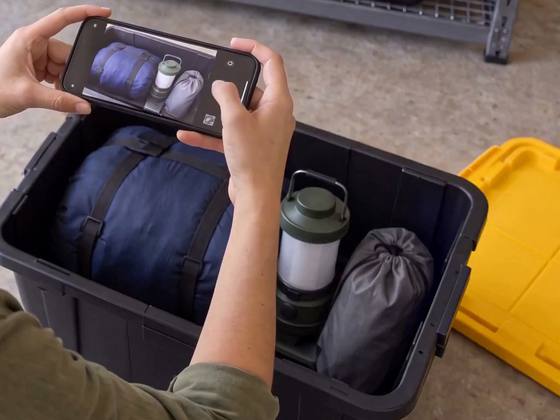
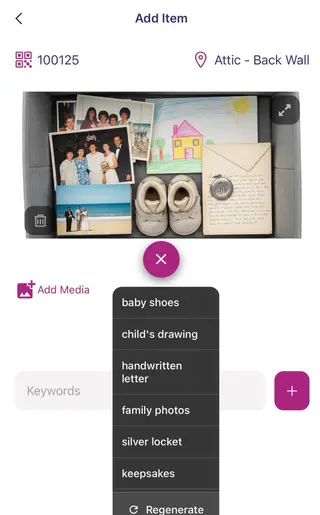
Add each item with photos, a quantity and at least one keyword, because keywords are what search looks for. With AI suggestions on, SmartPacks proposes keywords from your photos. Come back and add more any time.
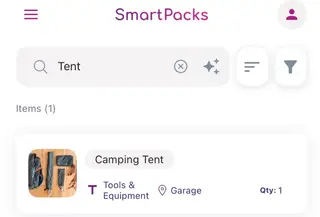
Scan a label to see what’s in that box without opening it. Or open the Item List and search a keyword: every match shows its box and location. With Pro, Smart Search finds items by meaning.
Photos do most of the work: snap the open box or each item, and you’ll recognize things faster than you can read a list. Turn on AI keyword suggestions and SmartPacks proposes keywords from your photos, so you type less.
When a photo isn’t enough, SmartPacks Pro lets you add a short video or record a voice note, like “Grandma’s plates, wrapped in the blue towels”.
A shared profile is one inventory that several people use. The owner adds people by email as Editors, who can add and change things, or Viewers, who can only look. Your personal boxes stay separate, and you switch between them at the top of the home screen.
Creating a profile is a SmartPacks Pro feature. The people you add use it with the free app.
Set a box to public and anyone signed in to the SmartPacks app can scan its label and see a read-only list of what’s inside. It is handy for a box you lend out or keep at someone else’s place. Private boxes show nothing to anyone else.
 Sleeping bag×1
 Camping lantern×1
 Stuff sack×1
Every label is unique, so every box gets its own.
A label on the side stays visible, and scannable, when boxes are stacked.
Pick a smooth spot away from seams and keep packing tape off the code.
Add items while the box is still open. It is quicker than reopening it later.
The four steps are the same for a move, a storage unit, a small business or a busy home. Pick the guide that matches yours.
Pick a pack of 48 white or 64 colored labels. The app is free, with no limit on boxes.